Tenants log their own readings
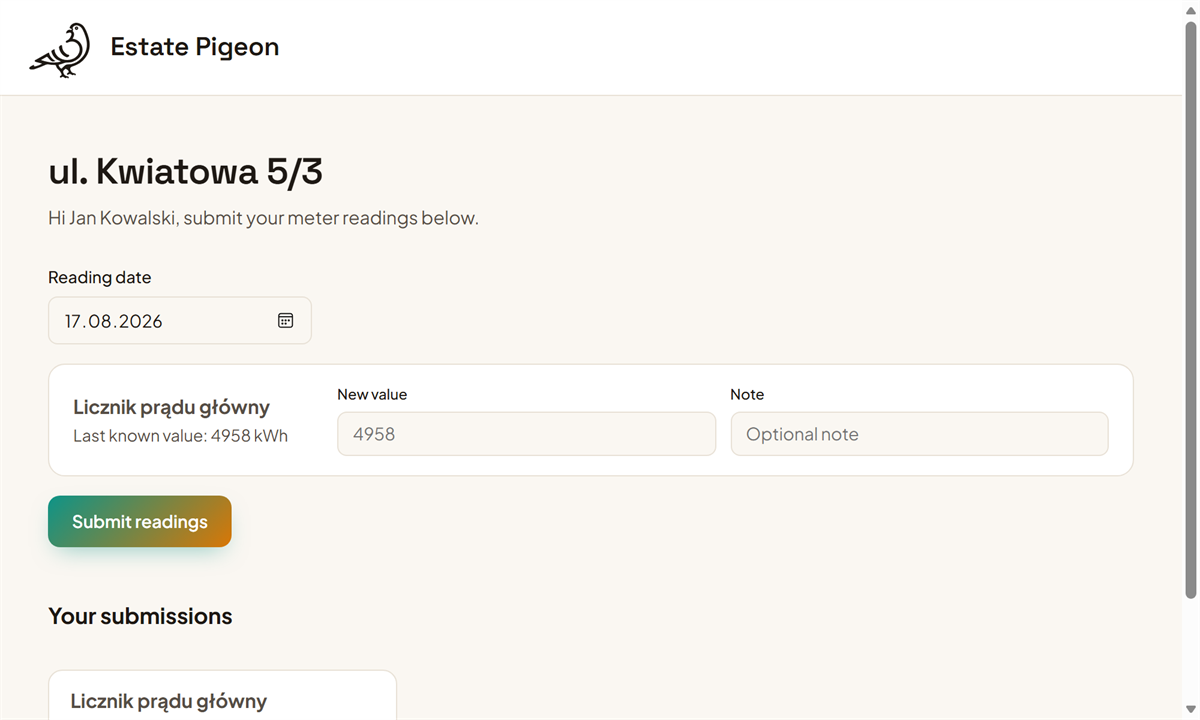
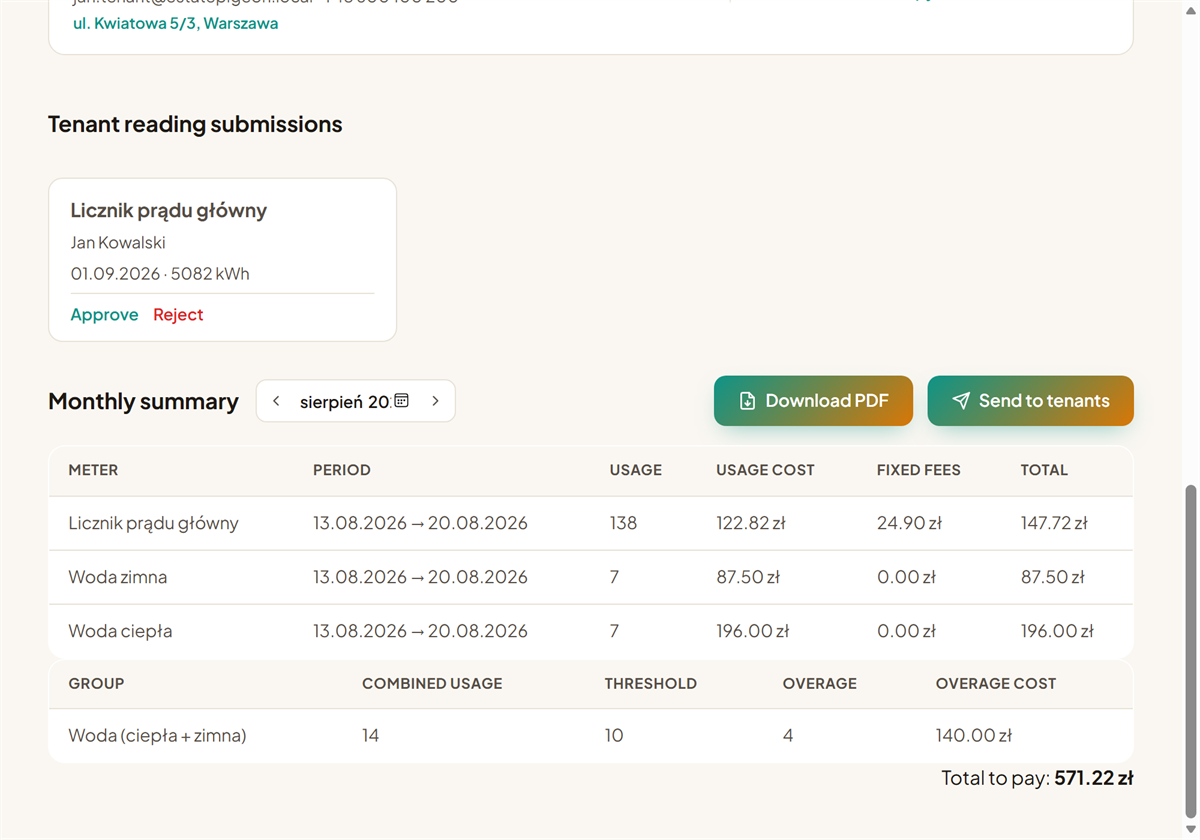
Send your tenant a personal link — no account needed — and they log the meter value from their phone. You just tap "approve" to confirm it.
Rental management, without spreadsheets
Estate Pigeon keeps track of the electricity, water and gas meters in your rentals. You log a reading, or your tenant does it themselves via a personal link — the app works out usage, adds any fixed fees, and puts together a PDF statement you can email your tenant with one click.
No card required. Setting up your first property takes a few minutes.
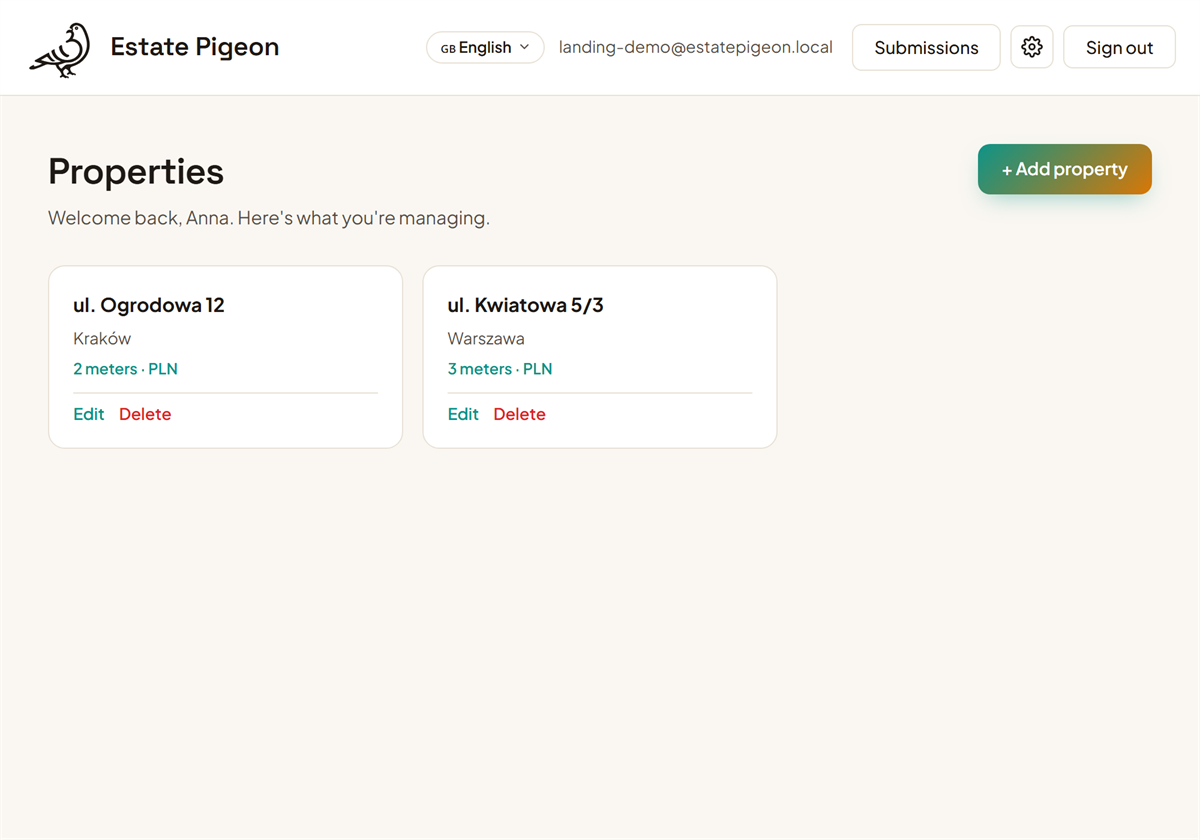
For owners with a single rental and managers running dozens of units
One place for properties, meters, readings and fees.
Send your tenant a personal link — no account needed — and they log the meter value from their phone. You just tap "approve" to confirm it.
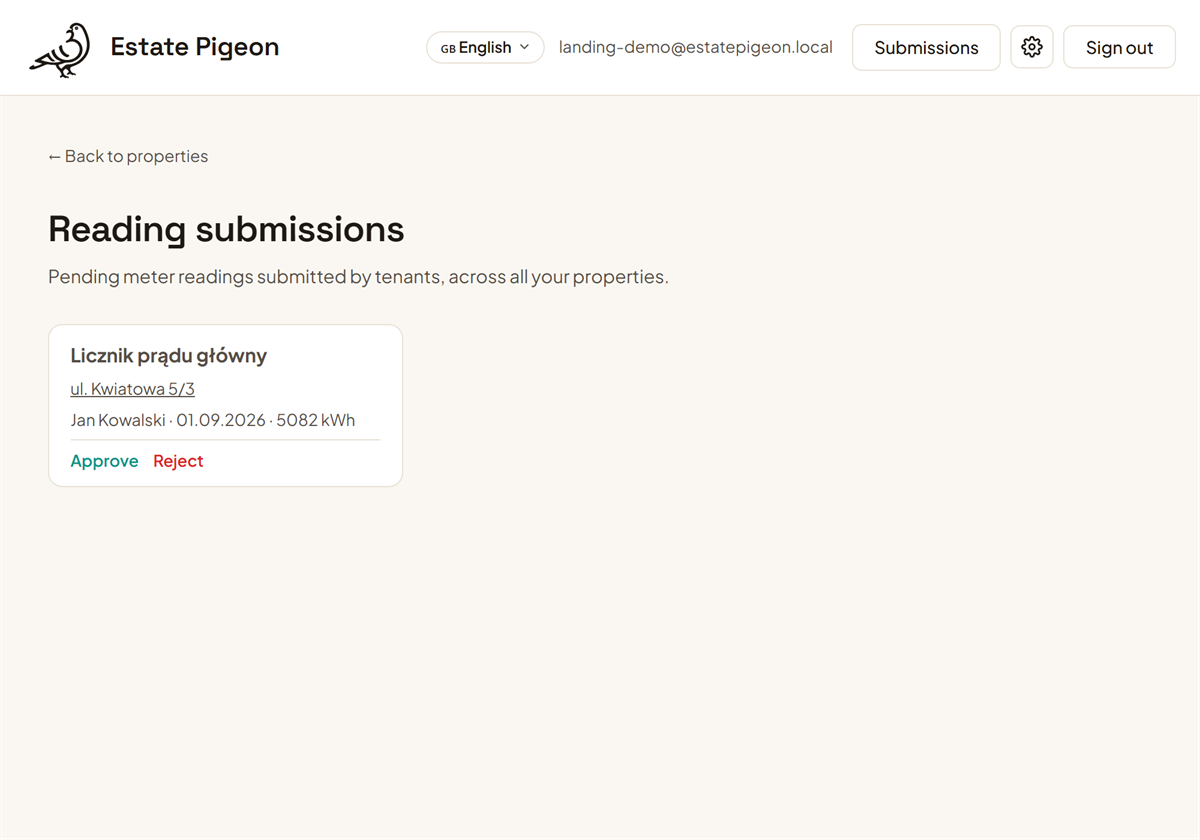
You get an email with an approve link the moment a tenant submits a reading. Send the monthly statement straight to their inbox with one click, too.
Add more flats or houses and switch between them from a single dashboard.
Electricity, water, gas — with a unit price and starting value. Group meters that share a unit (e.g. hot + cold water) and charge extra once their combined usage crosses a threshold.
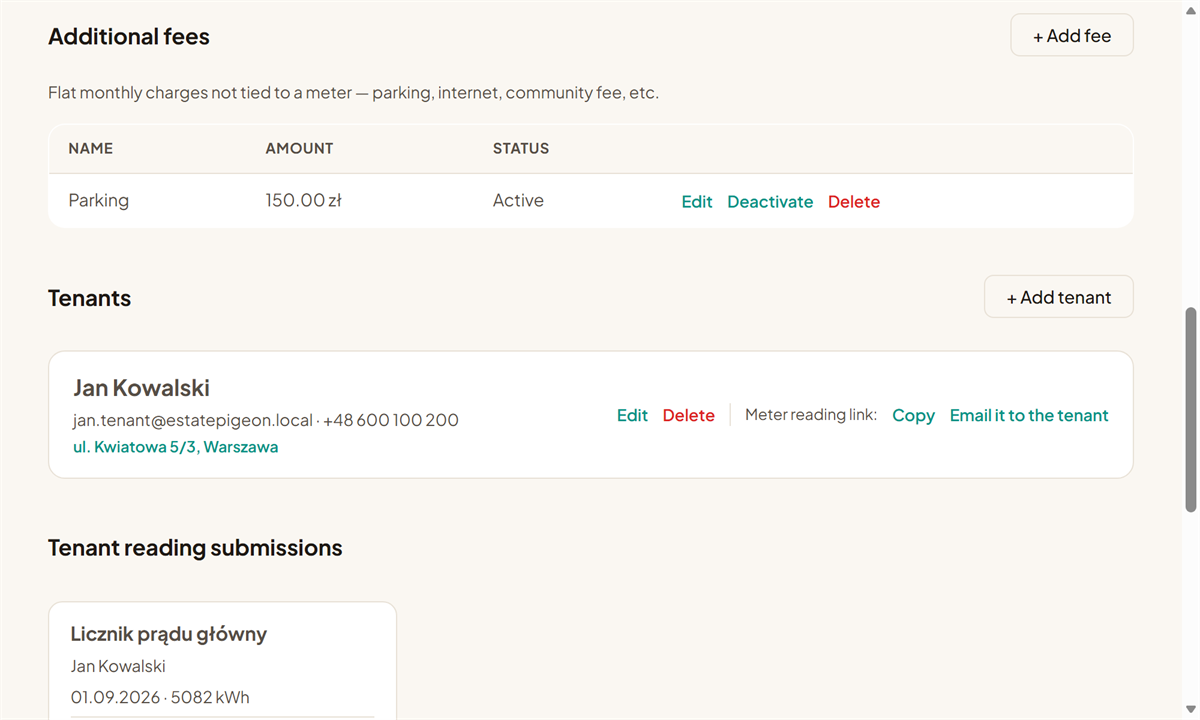
Subscription or distribution fees on a meter, plus separate flat monthly charges with no meter at all — parking, internet, community fee. All included automatically.
You just enter the current meter value. Usage, cost and group overages are worked out for you.
A ready billing document to download and send to your tenant — no manual spreadsheet work.
Adding your first property and meter takes about a minute.
Four steps from an empty account to a tenant's bill.
Enter the address, then add electricity, water or gas meters with a price per unit.
Enter it yourself in seconds, or send your tenant a link — you just approve what they submit.
Automatically, along with fixed fees and group thresholds.
The finished PDF statement goes to your tenant with one click — no spreadsheets, no mistakes.
From the tenant submitting a reading, through your approval, to a finished statement — here's the whole flow.
No. Registration is free and doesn't require a card. Your first 2 properties are always free.
No. Your tenant gets a personal link from you and submits a reading with no login, no password, no account.
A few minutes — add a property, a meter with a unit price, and you can log your first reading right away.
No. When adding a meter, you can pick a provider and tariff from a built-in catalog (PGE, Tauron, Enea, Energa, E.ON and others) — the price per unit and its fixed fees fill in automatically. You can of course still enter your own values by hand.
Nothing happens automatically. Every tenant submission lands in front of you first — approve it, or reject it with a comment the tenant will see.
Yes. The "Additional fees" section lets you add any flat monthly charge — parking, internet, a community fee — independent of usage.
You only pay for properties from the third one on — simple pricing, no hidden fees, no long-term commitment.
Start for free. You only pay once you manage more than two properties.
Start
€0/ forever
Your first 2 properties
Grow
€1/ property / month
Every property from the 3rd onward
Create a free account and add your first property in minutes.
Create free account