A tutorial that walks you through it
Logging into a new rental property management app for the first time can be overwhelming — a property, a meter, a reading, fees, tenants… where do you even start? That's why a brand-new account with no properties now launches an interactive tutorial that highlights exactly which button or field to use next, step by step, all the way to your first tenant utility bill.
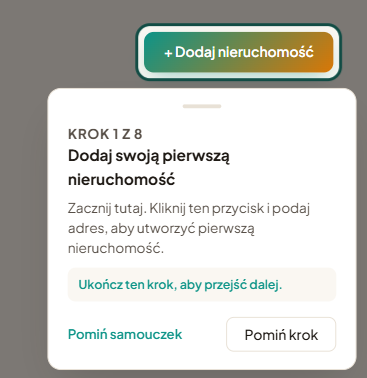
Eight steps, real actions
The tutorial isn't a slideshow you can click through without looking. On the key steps, it waits until you actually perform the action — adding a property, a meter, or a reading — before moving on. It walks you through, in order:
- adding your first property,
- adding a meter,
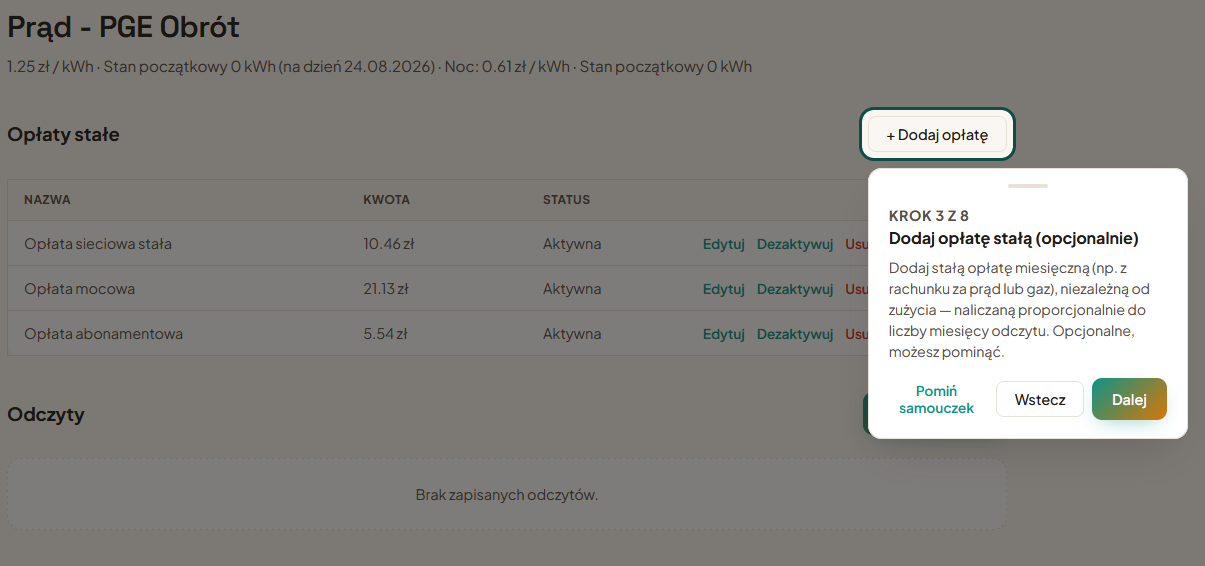
- an optional fixed fee on that meter,
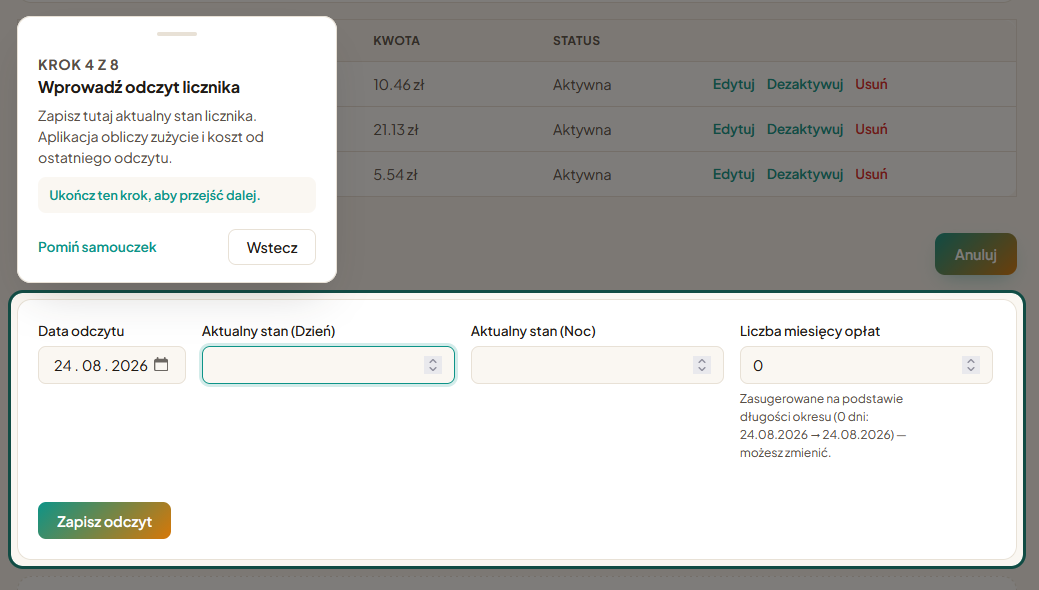
- entering a reading,
- optionally grouping meters,
- an optional flat fee not tied to a meter,
- optionally adding a tenant,
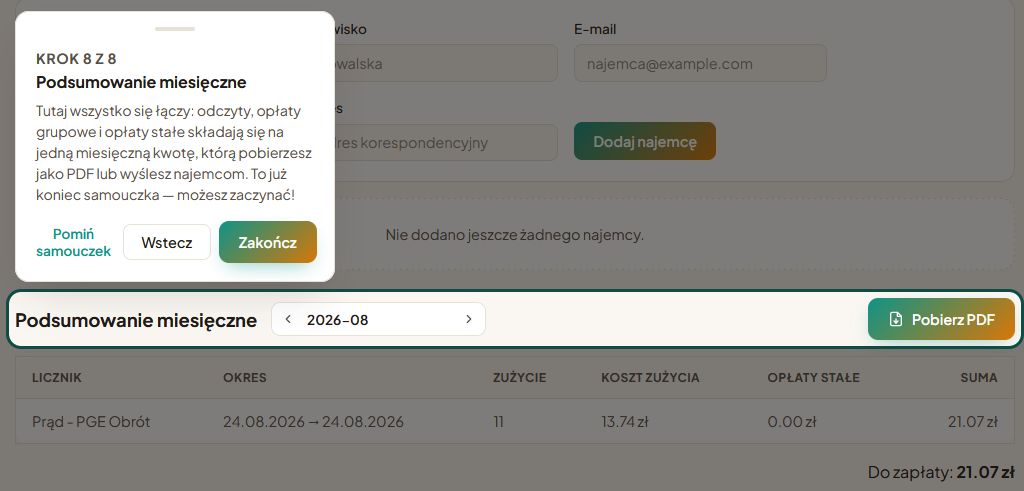
- and finally — the monthly summary, where everything comes together.
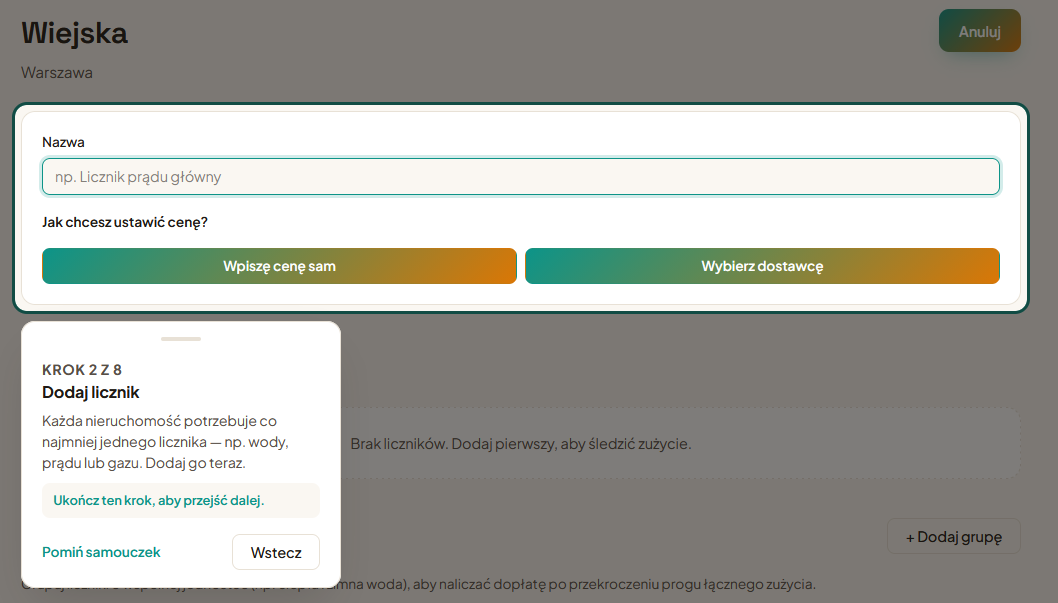
If you pick a provider from the catalog while adding that meter, its fixed fees fill in on their own — the tutorial and the provider catalog work together, no extra setup needed.
Skip whatever you want
You don't have to go through the whole thing. Steps marked optional (like meter groups or tenants) can be skipped individually, and the entire tutorial can be dismissed at any point with one click. If you close it by accident, or just want to see it again, you can restart it any time from Settings — whether you manage a single rental or several properties at once.
Try the tutorial on your own account
Create a free account — the tutorial starts automatically.
Create free account